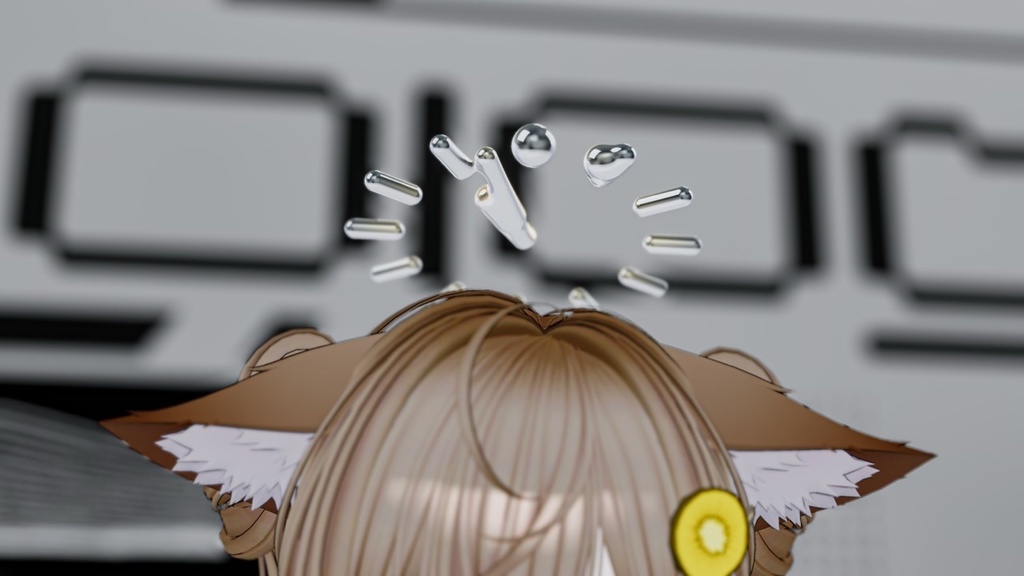
Quicksilver type-I
- ダウンロード商品Full pack (A+B+C)¥ 1,000
- ダウンロード商品Type A¥ 500
- ダウンロード商品Type B¥ 500
- ダウンロード商品Type C¥ 500
- ダウンロード商品規約 Terms¥ 0無料ダウンロード20260322071722vn3license_ko.pdf(479 KB)無料ダウンロード20260322071722vn3license_zh.pdf(612 KB)無料ダウンロード20260322071722vn3license_en.pdf(977 KB)無料ダウンロード20260322071722vn3license_ja.pdf(1.04 MB)20260322071722vn3license_ko.pdf20260322071722vn3license_zh.pdf20260322071722vn3license_en.pdf20260322071722vn3license_ja.pdf
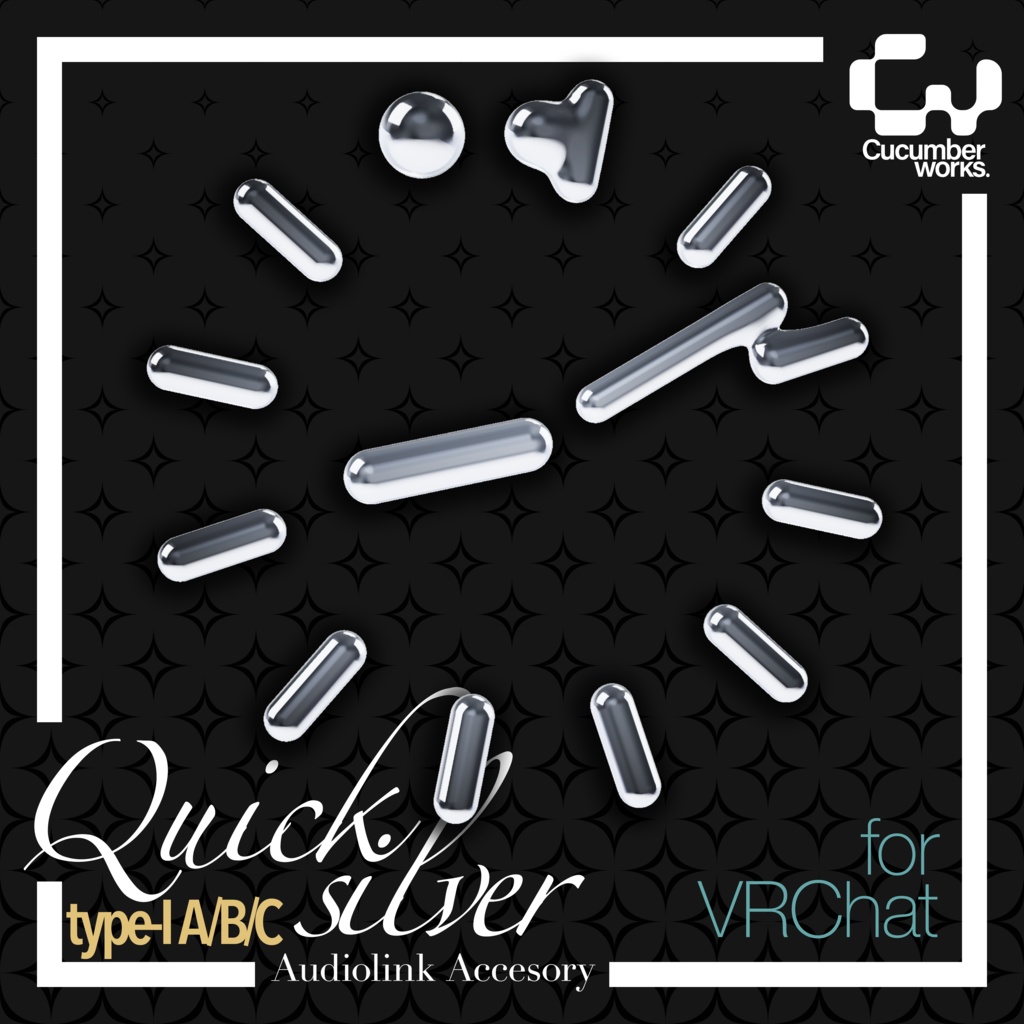
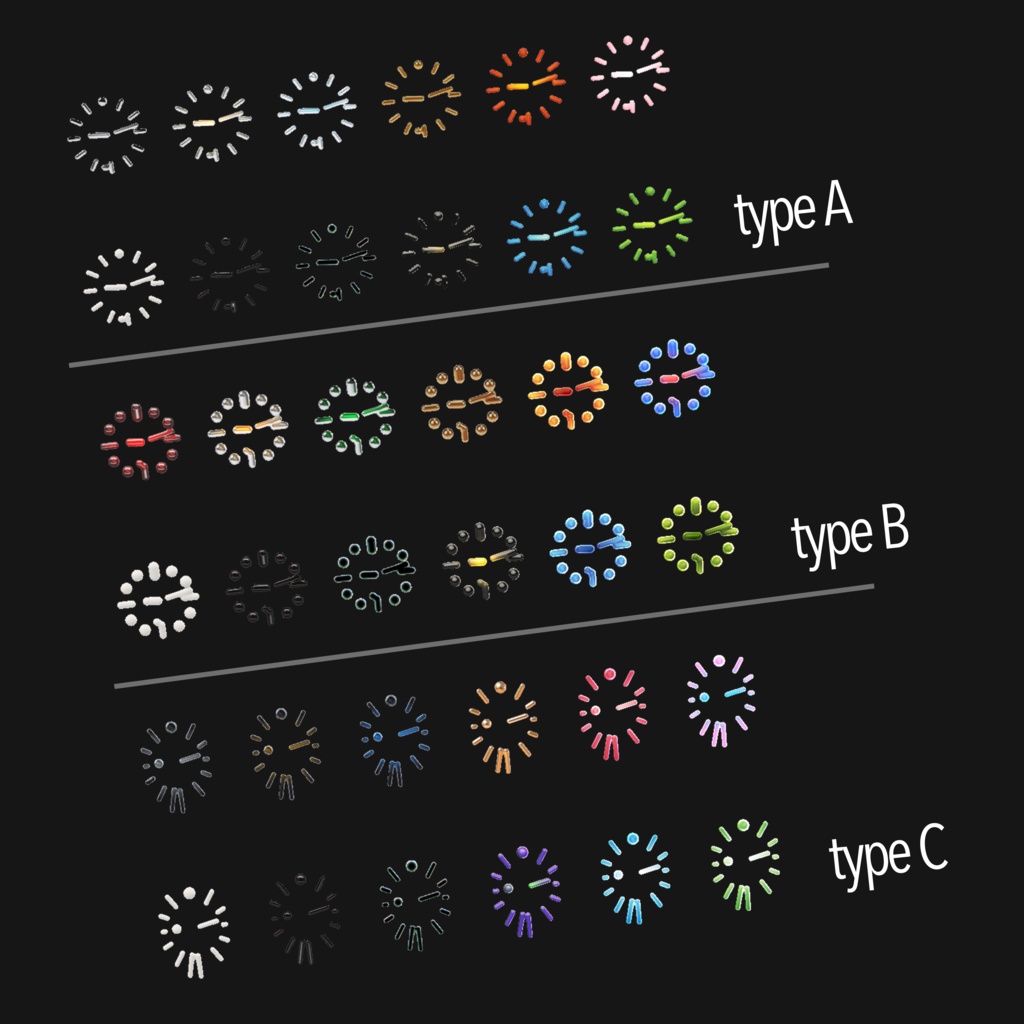
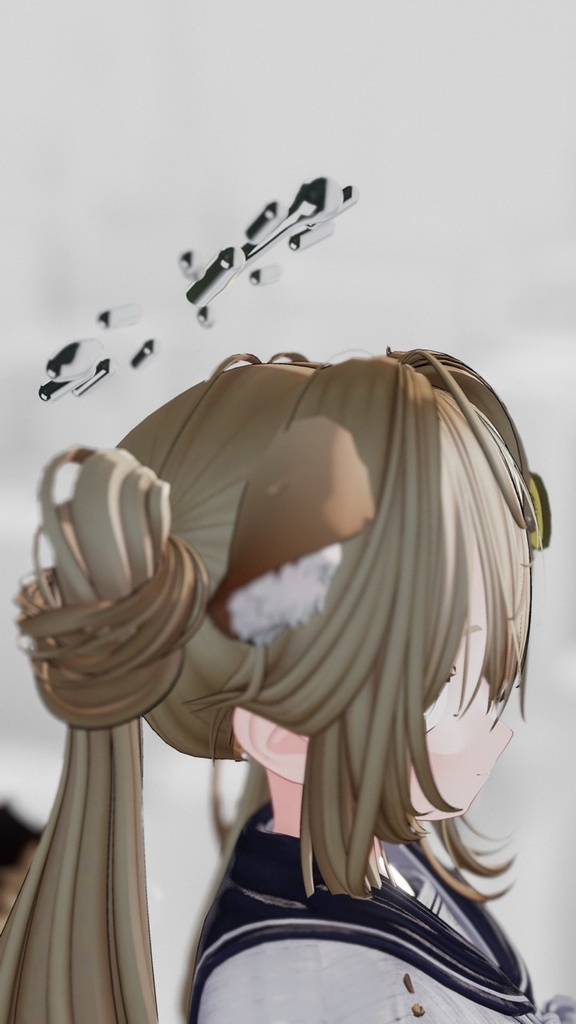
Quicksilver type-Iは、VRChat向けにデザインされたヘイローギミックです。独自のシェーダーにより、変形する液体金属のような表現を再現します。 システム時間を読み取って常時変化し、AudioLinkに連動してダイナミックに変形・発光します。OSCは不要で、導入も簡単です。パーソナルミラーを使用すれば、ヘイローの変化を通して時間を確認することもできます。 本商品には、Type A・B・Cの3種類の形状が含まれており、それぞれに12色のバリエーションを収録。各タイプは個別購入が可能なほか、お得なフルパックもご用意しています。 AudioLink機能は対応ワールドでのみ動作しますが、時間ベースの変化は常に有効です。シンプルでありながら印象的に変化するビジュアルをお楽しみください。 Quicksilver Type-I is a halo gimmick designed for VRChat, featuring a unique shader that replicates the look of morphing liquid metal. It continuously reacts to system time while dynamically morphing and glowing with AudioLink. No OSC setup is required, making it easy to use. With a VRC personal mirror enabled, you can use the halo’s visual changes to intuitively keep track of time. This product includes three shapes: Type A, B, and C, each with 12 color variations. Each type can be purchased individually, or you can get the full pack at a discounted price. The AudioLink feature requires a compatible world, while the time-based effects are always active. Enjoy a clean yet striking visual that evolves in real time.
<AudioLinkについて>
本商品を使用するには、VRChat Creator Companion(VCC)からAudioLinkパッケージを導入してください。 AudioLinkが未導入の場合、マテリアルエラーが発生することがあります。 AudioLink導入手順: - VRChat Creator Companion(VCC)をダウンロードして起動します。 - Projectsタブから、使用するプロジェクトを追加または新規作成してください。 - 既存プロジェクトを使う場合は「Add」、新規作成する場合は「New」を使用してください。 - まだそのプロジェクトでVCCを使用していない場合は、「Migrate」を押してアップグレードしてください。 - プロジェクトを選択した状態で、右側のパッケージ一覧からAudioLinkを追加してください。 - AudioLinkが表示されない場合は、右上のドロップダウンから「Curated」を有効にしてください。 - 導入後は「Open Project」からプロジェクトを開けます。 This product requires the AudioLink package to be installed through VRChat Creator Companion (VCC). If AudioLink is not installed, material errors may occur. How to install AudioLink: - Download and install VRChat Creator Companion (VCC), then open it. - Add your project in the Projects tab. - If you want to create a new project, use “New.” - If you want to use an existing project, use “Add.” - If you have never used VCC with that project before, click “Migrate” to upgrade it. - On the right side of the project page, find the AudioLink package and add it. - If it does not appear, make sure the “Curated” toggle is enabled in the top-right drop-down. - Once installed, you can open the project using “Open Project.”
<使用説明 Instructions>
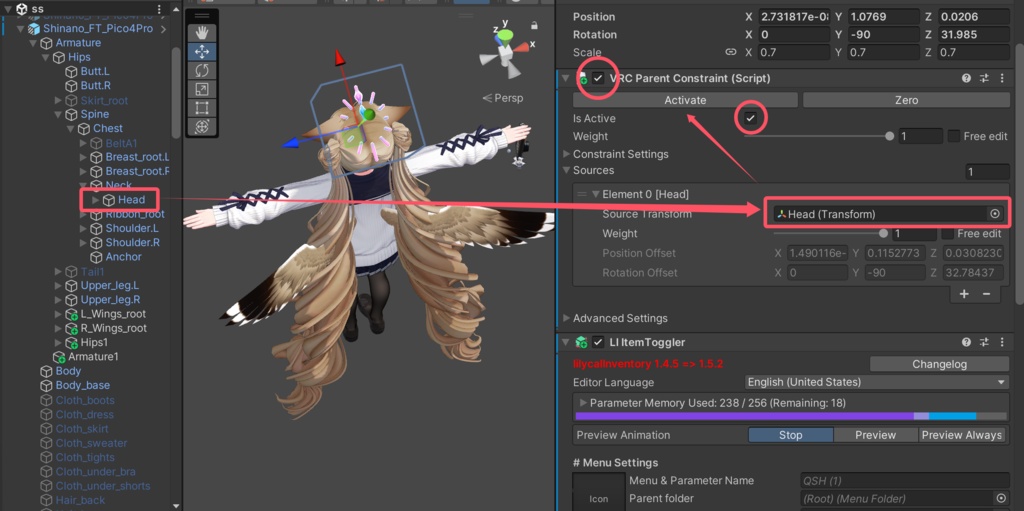
- Prefabをアバターヒエラルキーのルート階層にD&D。 - PrefabのInspectorメニューのVRC Parent Constraintタブで、'None'をアバターの頭のボーンに変更してください。 - 'Activate'をクリックすると、セットアップが完了します。 - Drag and drop prefab file to the root layer of the hierarchy. - In the VRC Parent Constraint tab of the prefab's Inspector menu, change the 'None' to the Avatar's Head bone. - Click "Activate" and the setup is complete.
<規約 Terms>
規約はVN3ライセンステンプレートを使用しております。 The included terms are based on the VN3 license Template.
<その他 Others>
インストールや使用中にご質問があれば、私のディスコードサーバーに参加するか、Twitter(X)でDMを送ってください。Boothを通じてメッセージを送ると、見逃す可能性がありますので、ご注意ください。 If you have any questions during installation and use, I recommend joining my discord server, or DM me on Twitter(X). If you send me messages through booth, I may miss it. Discord: https://discord.gg/JWjkaAUrGd Twitter: @cucumberworks